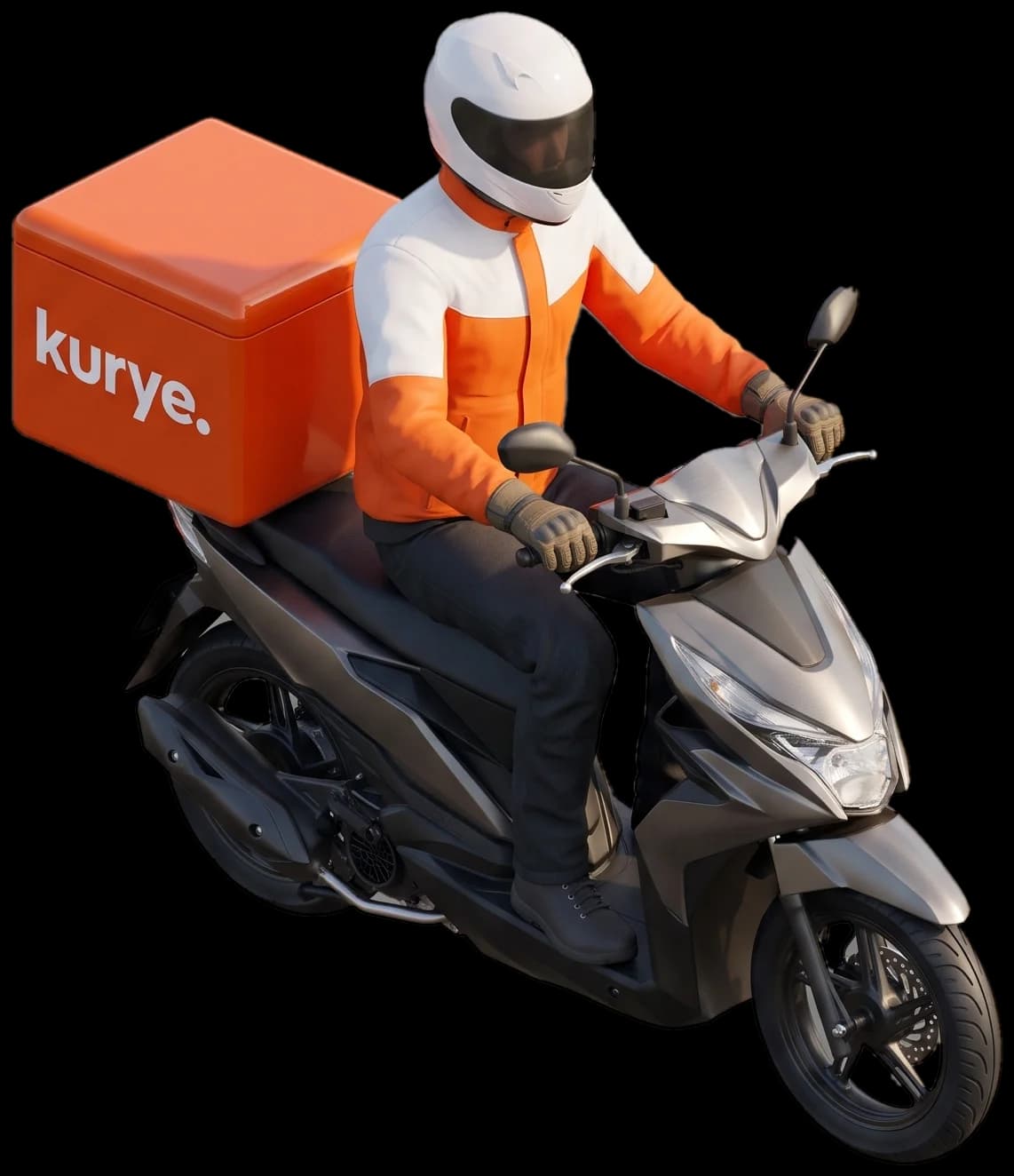
Everything a courier needs, a thumb away.
An offer arrives, the courier accepts, opens directions and finishes the delivery with a swipe.

In short
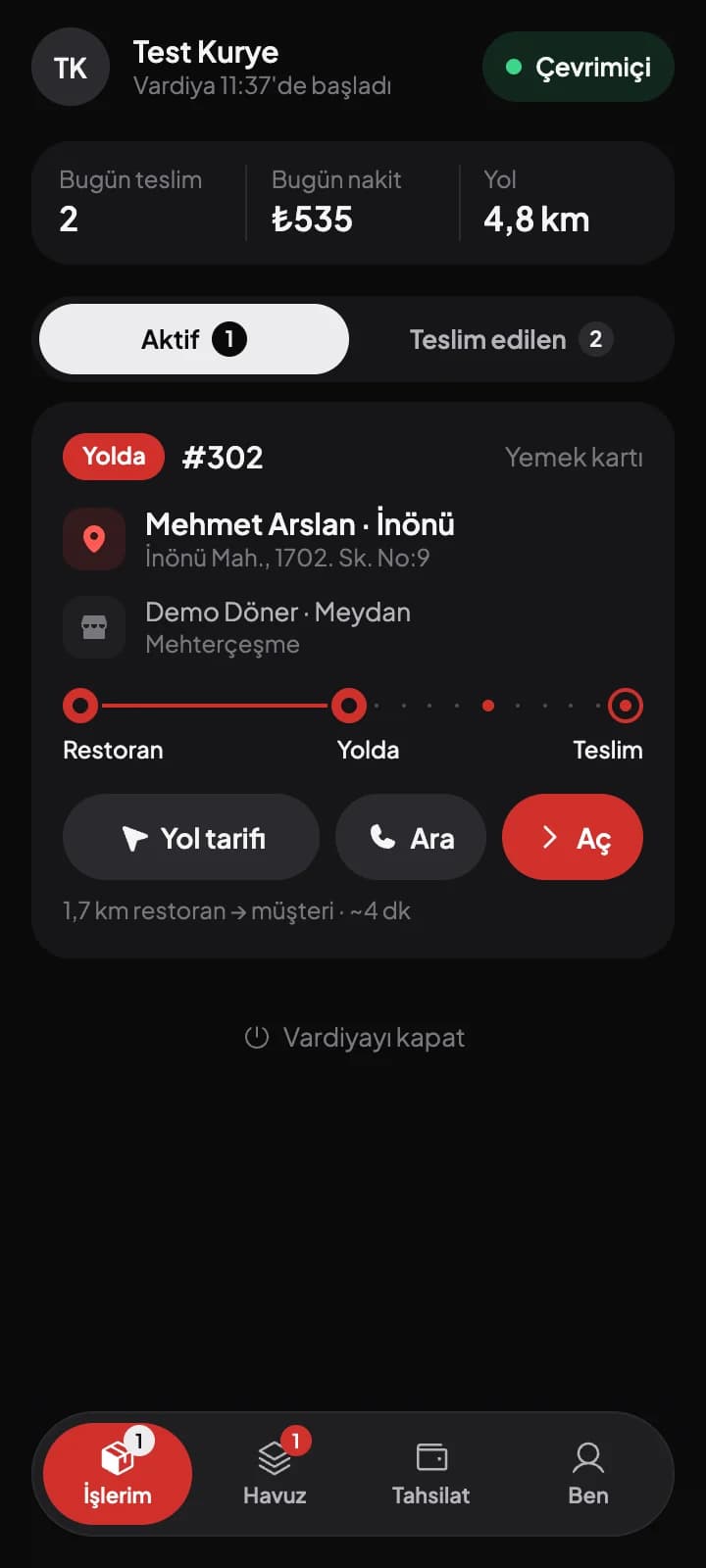
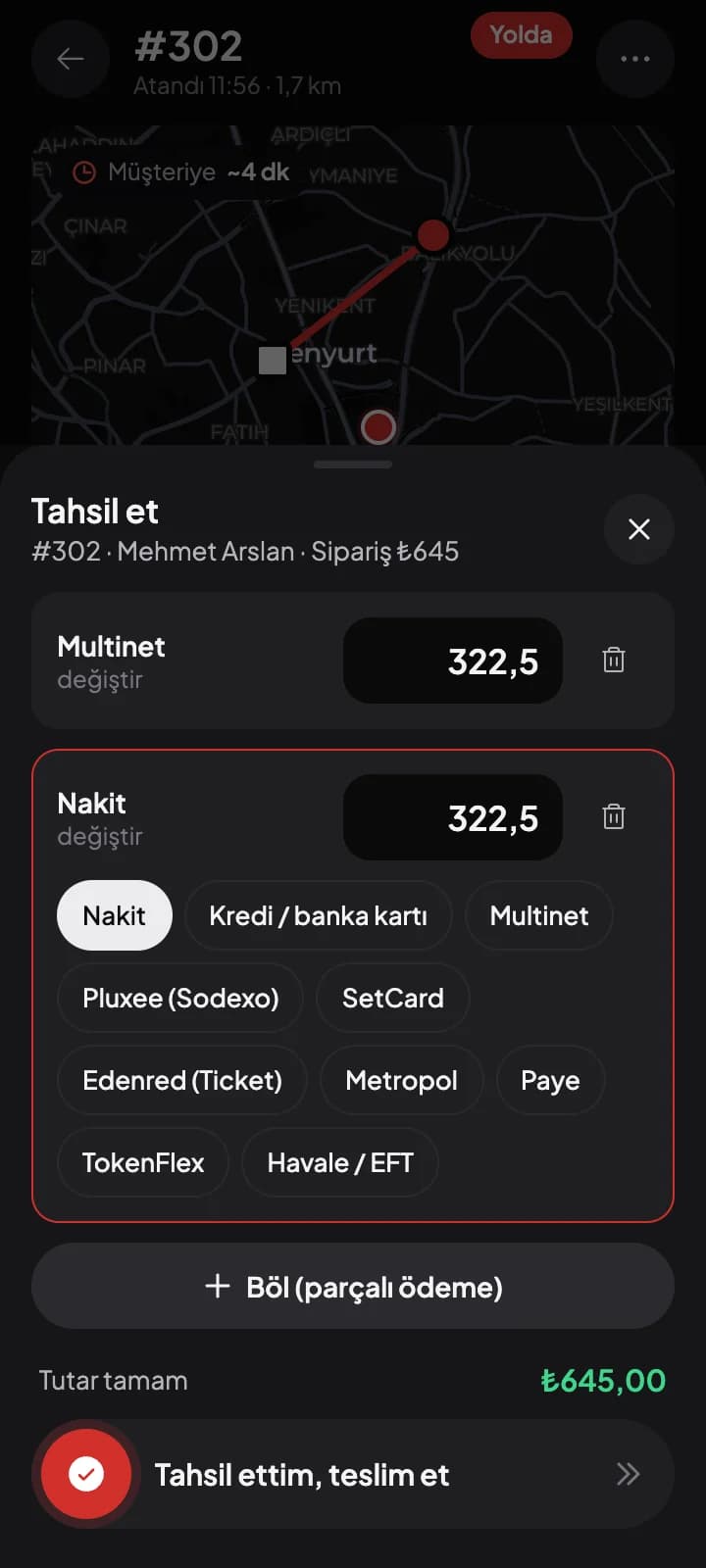
The kuryenoktam courier app is a single app built for Android and iOS. Couriers log in with an SMS code sent to their phone, start their shift, accept offers, move through steps with a swipe and record payment at delivery.
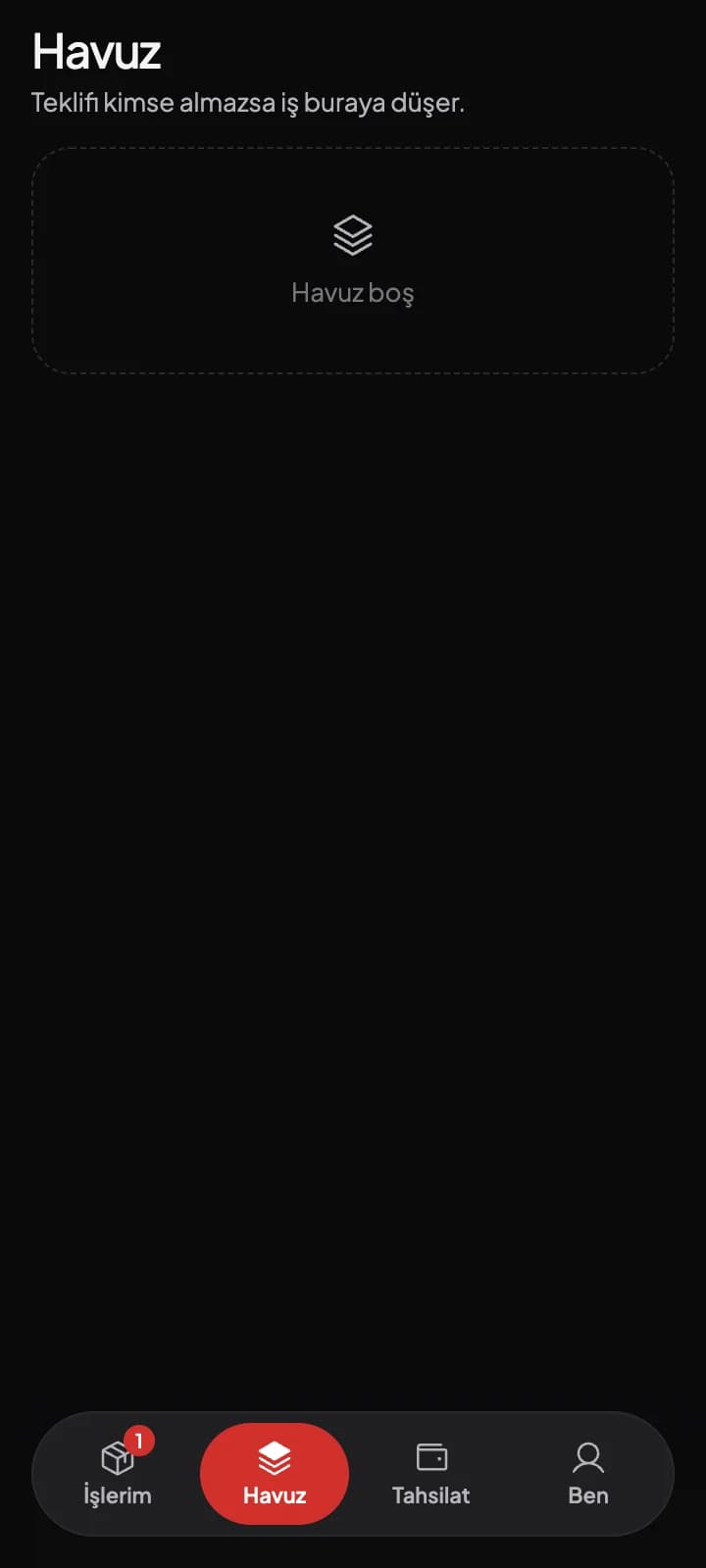
Four screens for the whole day
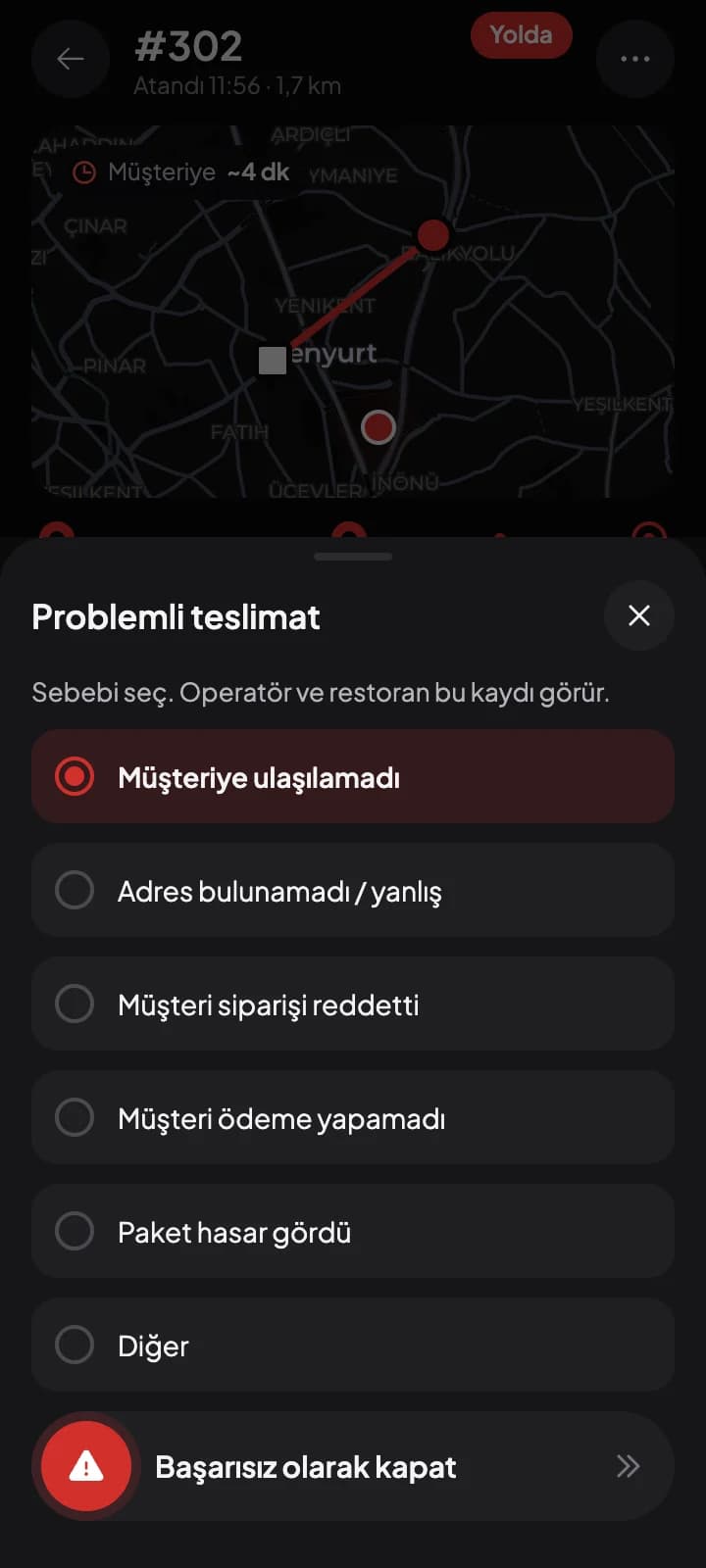
A delivery, through the courier's eyes

1
Offer
A notification arrives; the courier accepts before it expires.

2
At the restaurant
Swipes 'picked up' after collecting the order.
3
On the way
Directions open on the map with one tap.

4
Delivered
Records payment and swipes to finish.
What makes the job easier

Dark theme, large buttons
Designed to be used with one hand and a quick glance on the road.

Today's earnings
Deliveries, cash and distance at a glance.
Break request
No offers while on break.

Handover
Hand an order to another courier with a code.

Proof of delivery
Photo of a parcel left at the door and the drop-off location, saved in one tap.

My documents
Upload ID and documents as photo or PDF, sign the employment contract on screen and confirm with an SMS code.

Order history
The Reports tab shows deliveries day by day, restaurant split, earnings and cash.

Shift reminder
Couriers get a reminder on their phone before their shift starts.
No password
Couriers sign in with an SMS code; on Android the code is read automatically.
Try it with your own fleet.
Let's set up your restaurants, couriers and order flow together. See the real screens in a demo account.