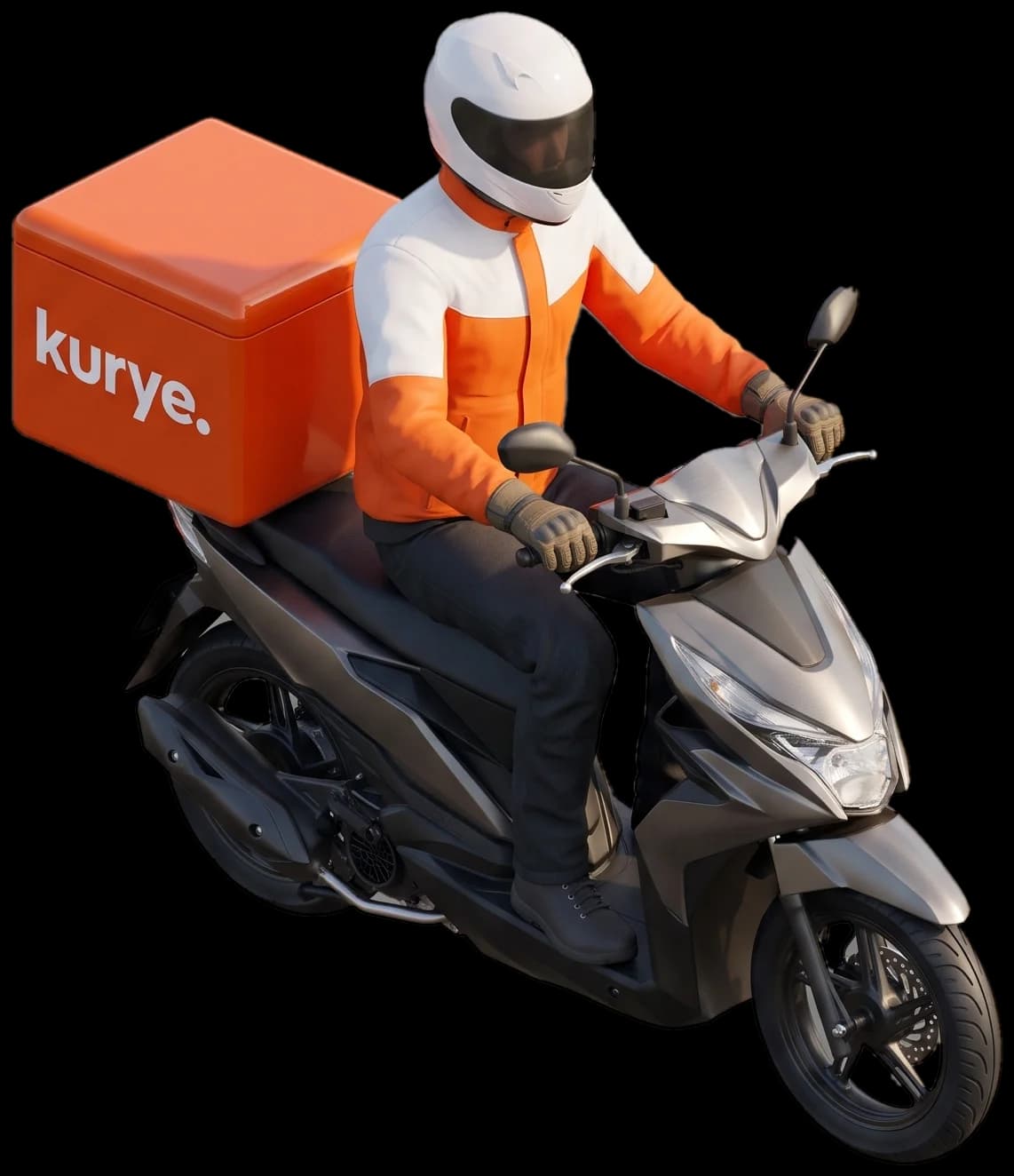
Your couriers, your rules.
Orders arrive from your POS, go to the best courier, and the minutes to the customer's door are on record.
In short
kuryenoktam is a dispatch system for a restaurant's own courier fleet. It collects orders in one queue, assigns couriers automatically, shows them on the map, records payment per delivery and closes the cash at the end of the day.
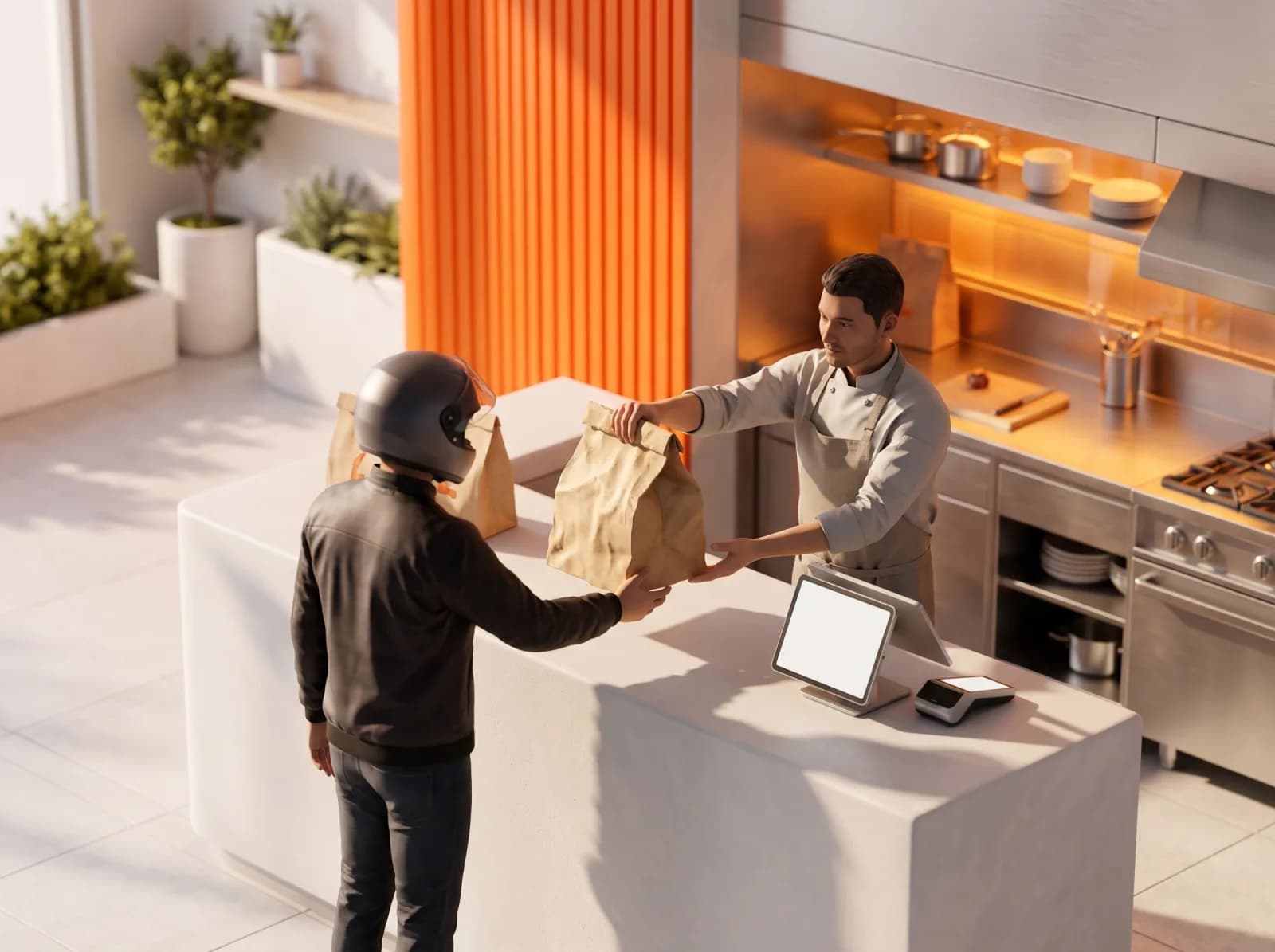
When the kitchen is ready, the courier is at the door.
The courier is assigned while the food is being prepared. When the kitchen marks the order ready, the courier is notified and you see where they are on the map.
- Call the courier with a ready notification
- Remove the courier and reassign
- Close orders, undo cancellations
What restaurants use every day

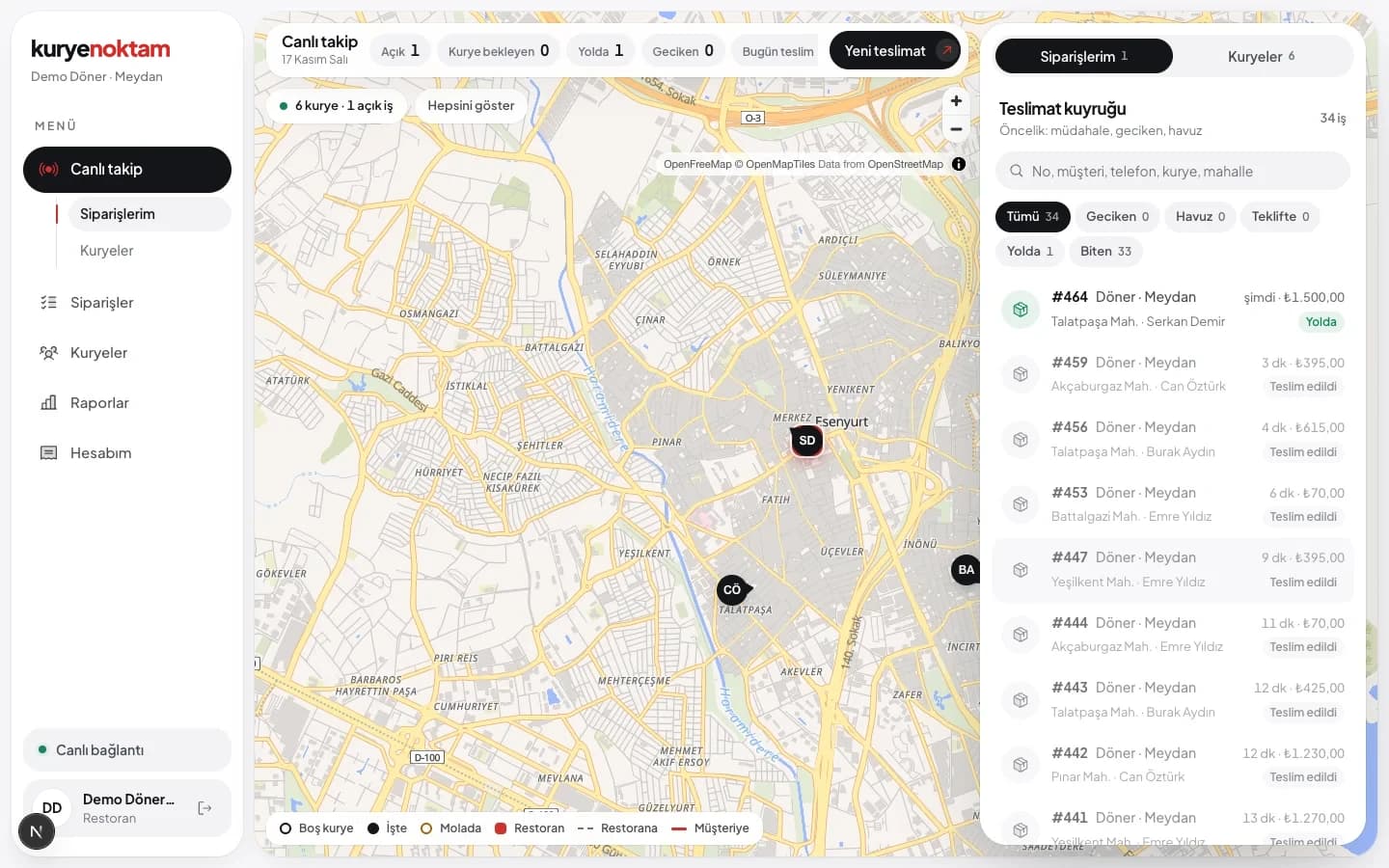
Live tracking
Courier location, orders on board and ETA on the map.

Target time
Set a target delivery time; late orders raise an alert.
Customer memory
Enter a phone number and the previous address and note fill in.

Payment records
Cash, card or split payment recorded at delivery.

Daily report
Orders, times, couriers and payment mix in one report. Download as Excel with charts or as PDF.

Multiple branches
Each branch sees its own orders; head office sees them all.

Tracking link for customers
When the courier sets off the customer gets an SMS, follows the courier on the map and rates the delivery.

Proof of delivery
The courier records the drop-off location, a leave-at-door note and a photo. You have the record if there is a dispute.
Order batching
Two orders heading the same way go to a courier who has not picked up yet, delivered in one trip.
Customers follow their order on their phone.
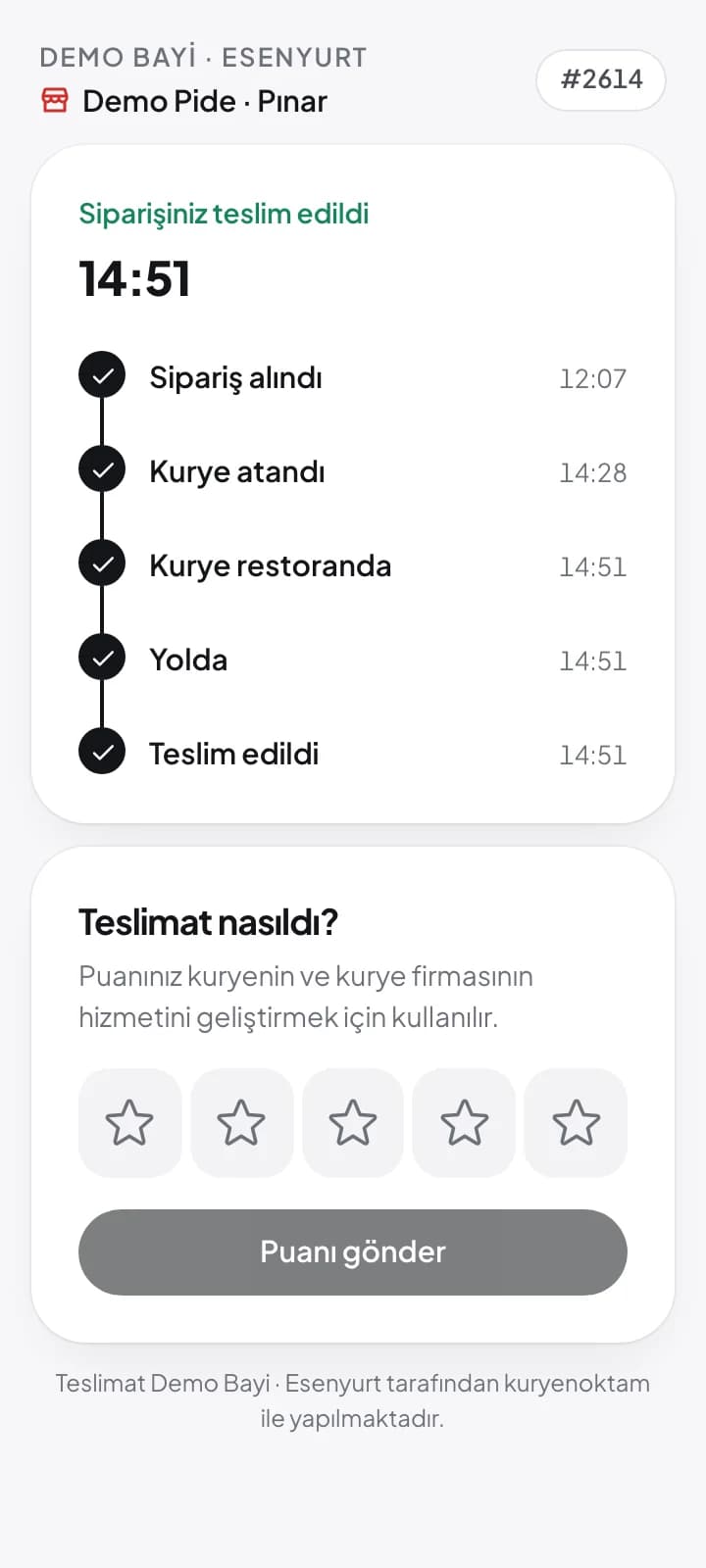
When the courier sets off, the customer gets a tracking link by SMS. Without installing anything they see which step the order is at, the courier on the map and the estimated arrival time. After delivery they rate it on the same page, and ratings show up in your reports.
- Tracking with one link, no app
- Estimated arrival and courier location
- Rating after delivery, per courier in reports
Working with a courier company? You get your own portal.
If your courier company uses kuryenoktam, your restaurant gets its own portal. Track your orders live and see receivables and payments with the company under 'My account'. Your monthly statement arrives by email.
For courier companies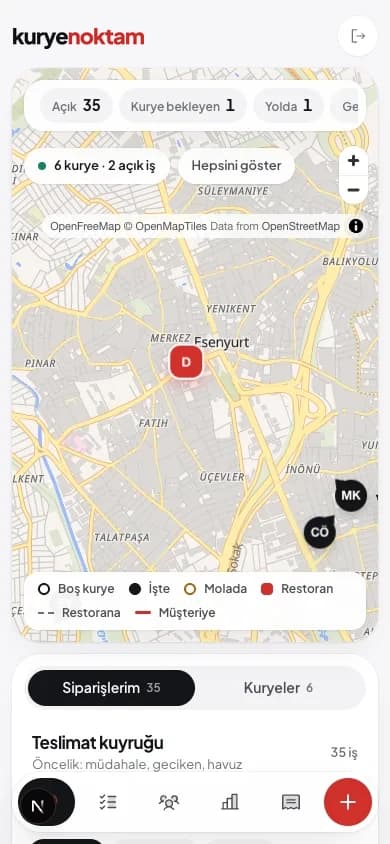
Questions restaurants ask
Can I enter orders by hand?
Yes. Enter phone orders from the panel or the restaurant portal; address search and customer memory work on that screen.
How do I see courier cash?
Every delivery stores the payment type and amount the courier entered. The cash screen shows how much cash each courier still holds.
I have several branches. Can I manage them in one place?
Yes. Branches are added as separate restaurants; a head office user sees them together and reports split by branch.
Do Trendyol Go orders come in too?
Yes. Once the restaurant's Trendyol Go food account is connected, new orders are fetched at regular intervals and land in the queue with address, amount and payment details.
Try it with your own fleet.
Let's set up your restaurants, couriers and order flow together. See the real screens in a demo account.